
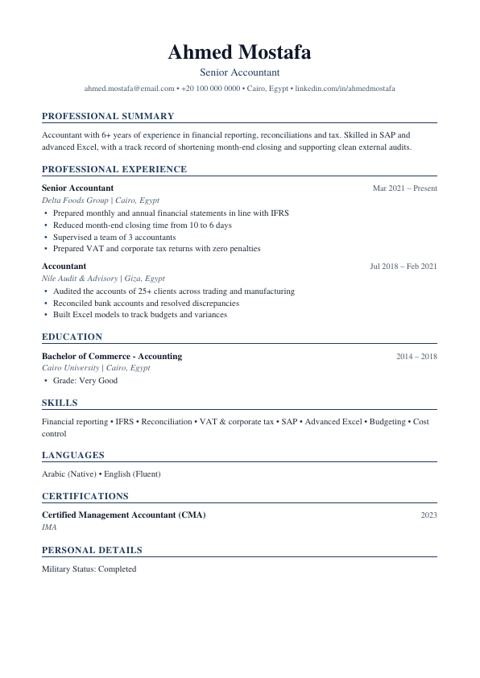
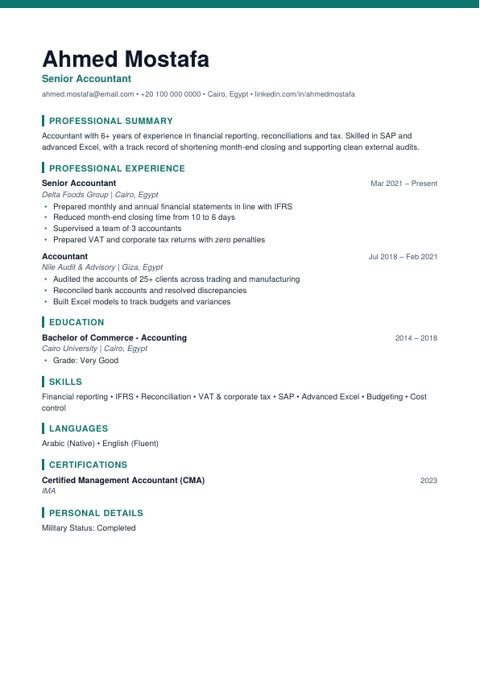
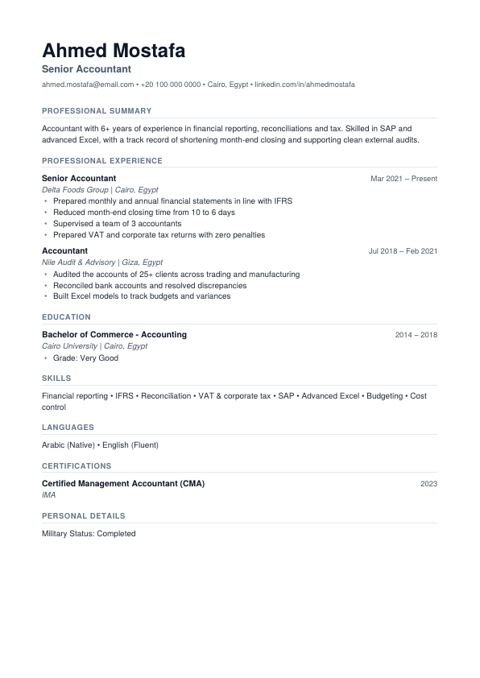
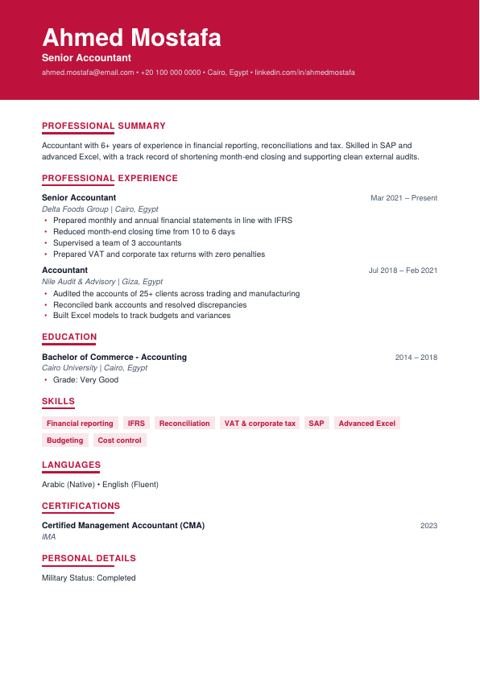
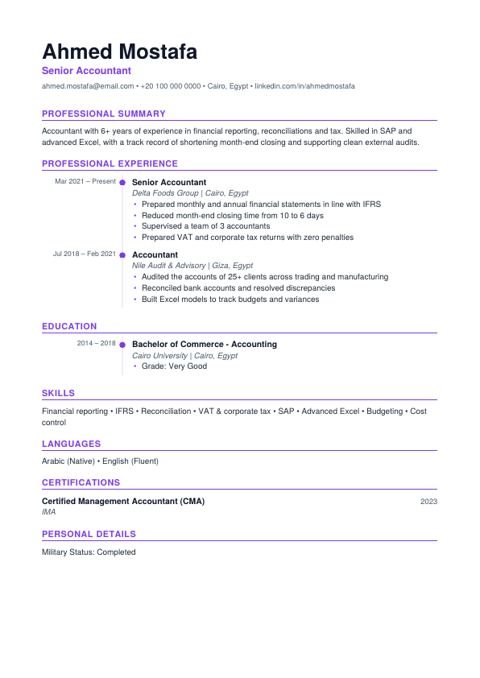
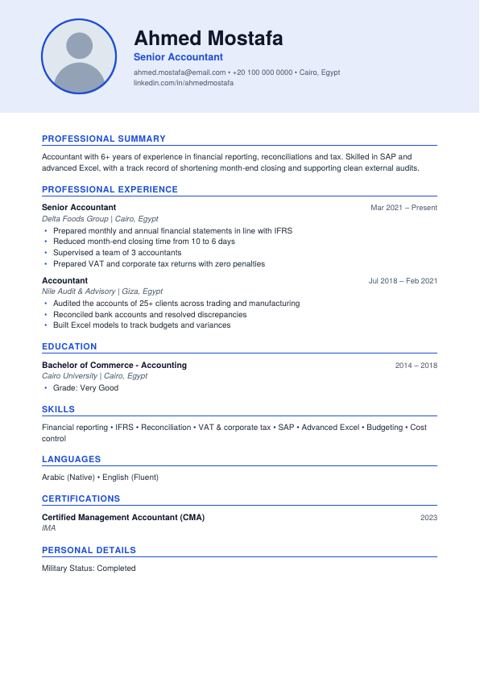
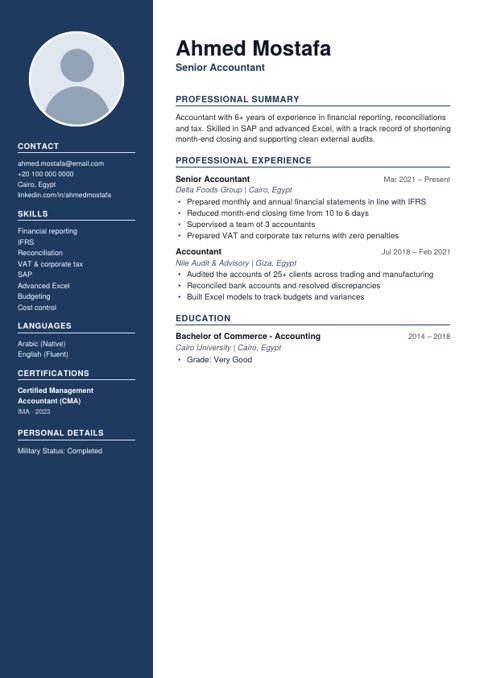
Sidebar ⚠ print
Colored side column, best for printing or sending to a person.
✎ Edit online with your details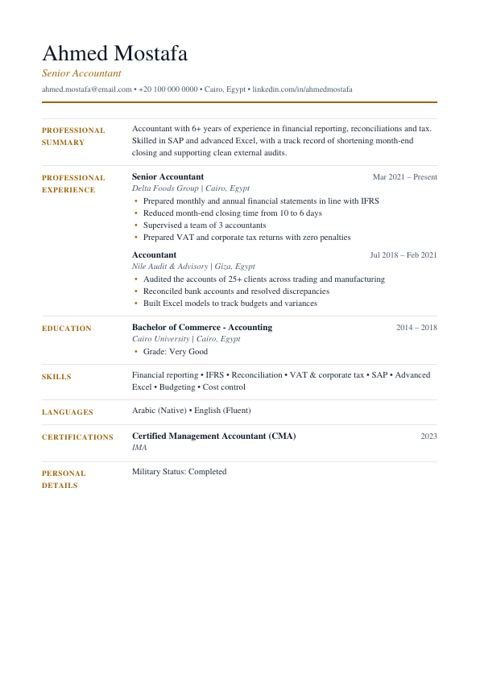
Download Word or edit online?
The Word file is great if you like editing by hand in Word or Google Docs, though long text can shift the layout. Editing online is easier: type your details, pick the design, and the site handles spacing and pages and gives you ready PDF and Word files.
Tips before you send your CV
- Replace every sample detail with your real details.
- Name the file after yourself, e.g. Jane-Smith-CV.pdf.
- Check it before sending with the free CV checker.
- Want an example for your job? See CV examples by job or CV by country.
FAQ
Are these templates really free?
Yes, completely free with no sign-up. Download the Word or PDF file directly, or fill the template online and download it with your details.
How do I edit the Word file?
Open it in Microsoft Word, Google Docs or WPS and replace the sample details. Even easier: click "Edit online" and the site builds the file with your details.
Which templates are ATS-friendly?
Executive, Modern, Minimal, Bold, Timeline and Photo are single-column with real text, which ATS read reliably. Sidebar and Elegant are better for printing or sending to a person.
Word or PDF?
Send PDF unless the employer asks for a specific format, because it keeps the layout. If the ad asks for Word, send Word.
Do the templates include a photo?
Photo and Sidebar include a photo area. Photos are common in Egypt and the Gulf; in the US and UK it is better to leave them off.